Interactive Tablet Menus
Showcase dishes, pictures, descriptions and categories on elegant tablets guests can explore themselves.
Give guests a beautiful interactive tablet menu, let them place orders at the table, and keep your kitchen organized with SG Menu.
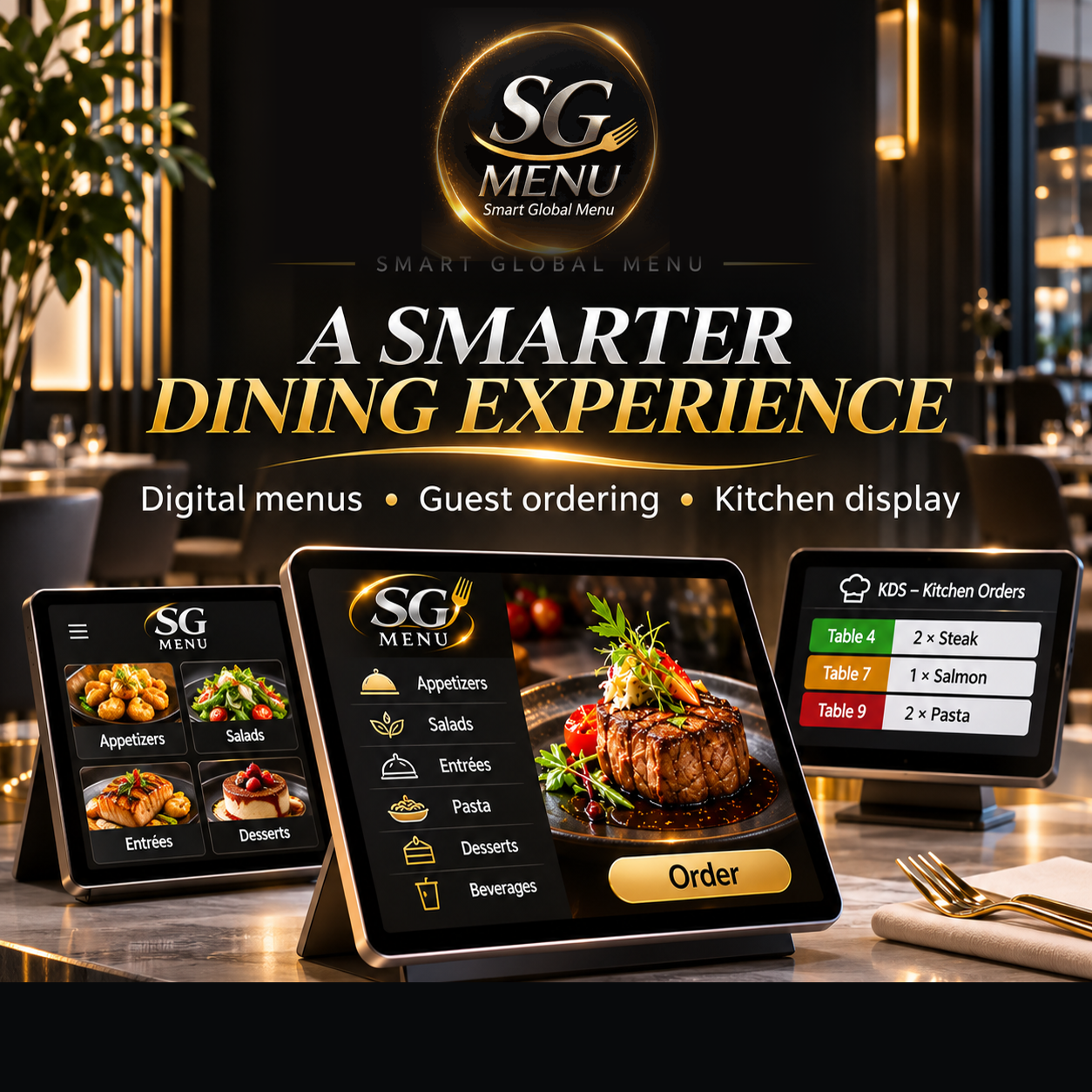
Designed to connect the guest experience with day-to-day restaurant operations.
Showcase dishes, pictures, descriptions and categories on elegant tablets guests can explore themselves.
Let diners choose items and submit their orders directly at the table, without relying on QR codes.
Organize incoming orders on a kitchen-facing screen, keeping order details easy to review.
Upgrade the menu experience with appealing imagery and a consistent digital brand presentation.
Start with 10, 20 or 30 guest-facing tablets, depending on your dining room and operating needs.
POS connectivity and payment options are being explored; compatibility and launch timing are not yet confirmed.
A simple journey for guests and staff.
Guests explore dishes on their own tablet.
Guests add food and drinks to an order.
The order is sent from the table.
Staff view incoming orders on the KDS.
Each package is built around the number of guest tablets. Pricing is customized for your restaurant.
Ideal for starting with a smaller restaurant or dedicated dining section.
Built for restaurants ready to expand the tablet dining experience.
Designed for larger dining rooms and higher-volume guest service.
Hardware rental or purchase, onboarding, KDS configuration and ongoing service are quoted separately as applicable. No fixed prices are shown.
Test an example order and watch it reach the simulated kitchen display automatically.
Browser-only concept simulation, not connected to real restaurant hardware, POS or smartwatch.
Watch a slower, easy-to-follow walkthrough: browse dishes, customize an entrée, review the cart and send the order to the kitchen display.
24-second HD tablet ordering concept demo. Illustrated screens and prices; not a recording of the live application.
Watch the order flow automatically from the guest tablet to the POS and kitchen display—without manual staff review or approval.
Concept demonstration only. Automatic POS/KDS integration is shown as a proposed workflow, not a currently available or certified integration.
Our proposed smartwatch experience alerts the assigned server when the kitchen marks food ready, or when a guest taps Request Assistance on their table tablet.
Kitchen marks an order ready → the assigned server's watch receives the table number and pickup notification.
Guest taps “Request Assistance” on the tablet → their assigned server receives an alert showing the table number.
Staff can acknowledge alerts without manually reviewing or approving the original food order.
66-second concept video. Smartwatch notifications and POS connectivity are planned features, not yet implemented or verified.
Watch our short promotional brand overview. For an ordering walkthrough, watch the tablet demo above.
Narrated promotional concept video. Visual interfaces are illustrative.
Bring modern ordering to your guests and clarity to your kitchen.
Schedule Your Restaurant Demo ↗Tell us about your restaurant and the number of tablets you're considering. We will help you prepare the right package for your team.